Personal relationship intelligence
You should not have to remember everything.
Quiet Window, made for your phone.
Planned for iOS and Android
Quiet Window helps you understand yourself and the people close to you. A native phone app is planned, not yet in development. Everything it would carry already works on the web, and the web app can be added to your home screen.
There is nothing to download yet, and no store listing.
Use it like an app today
Add Quiet Window to your home screen.
There is nothing to download. Add the web app once and it opens full screen from its own icon.
iPhone or iPad, in Safari
- Open quietwindow.app in Safari.
- Tap the Share button.
- Choose Add to Home Screen, then tap Add.
Android, in Chrome
- Open quietwindow.app in Chrome.
- Tap the three-dot menu.
- Choose Add to Home screen (or Install app), then confirm.
It is the same account and the same readings as on any other device.
Already working
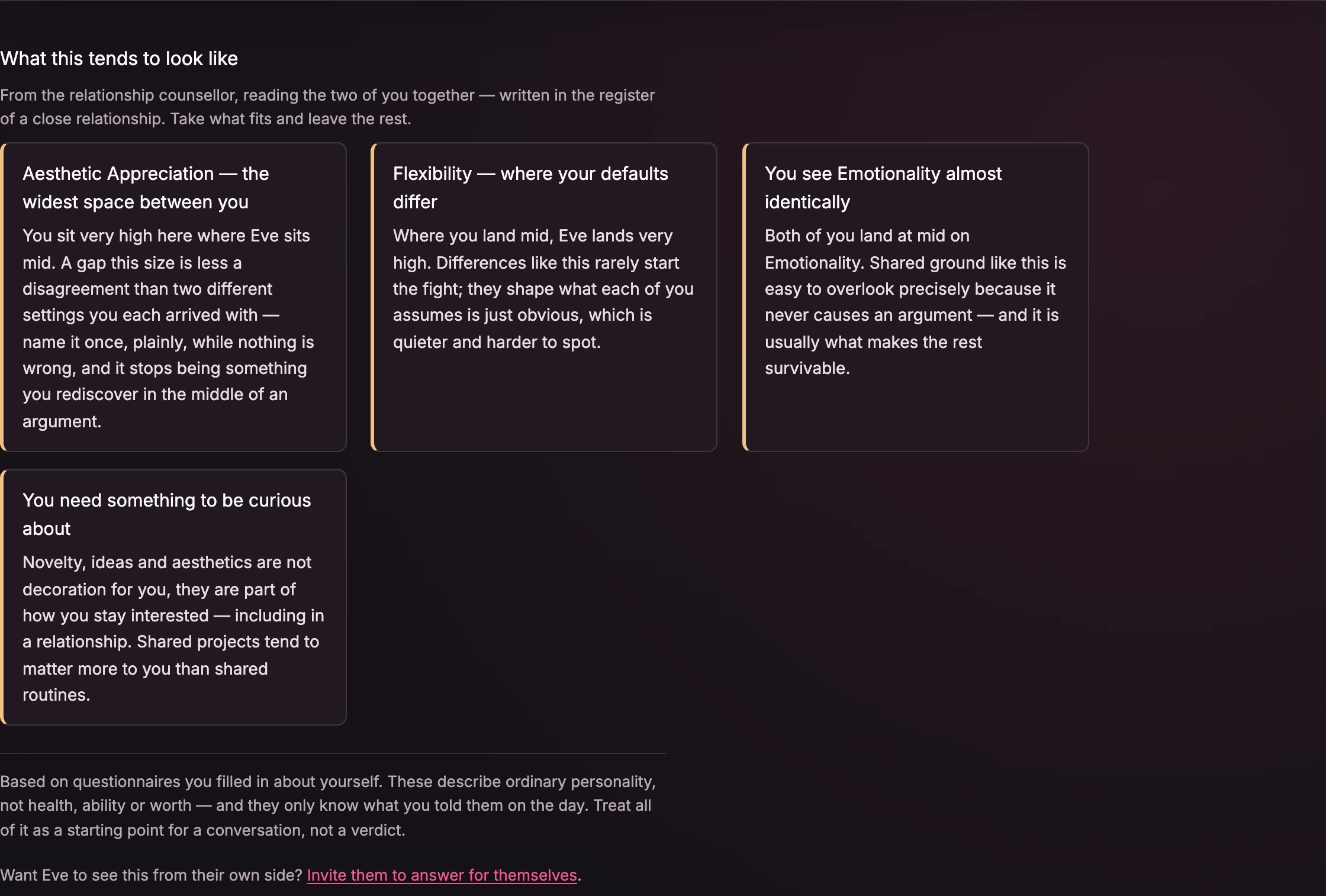
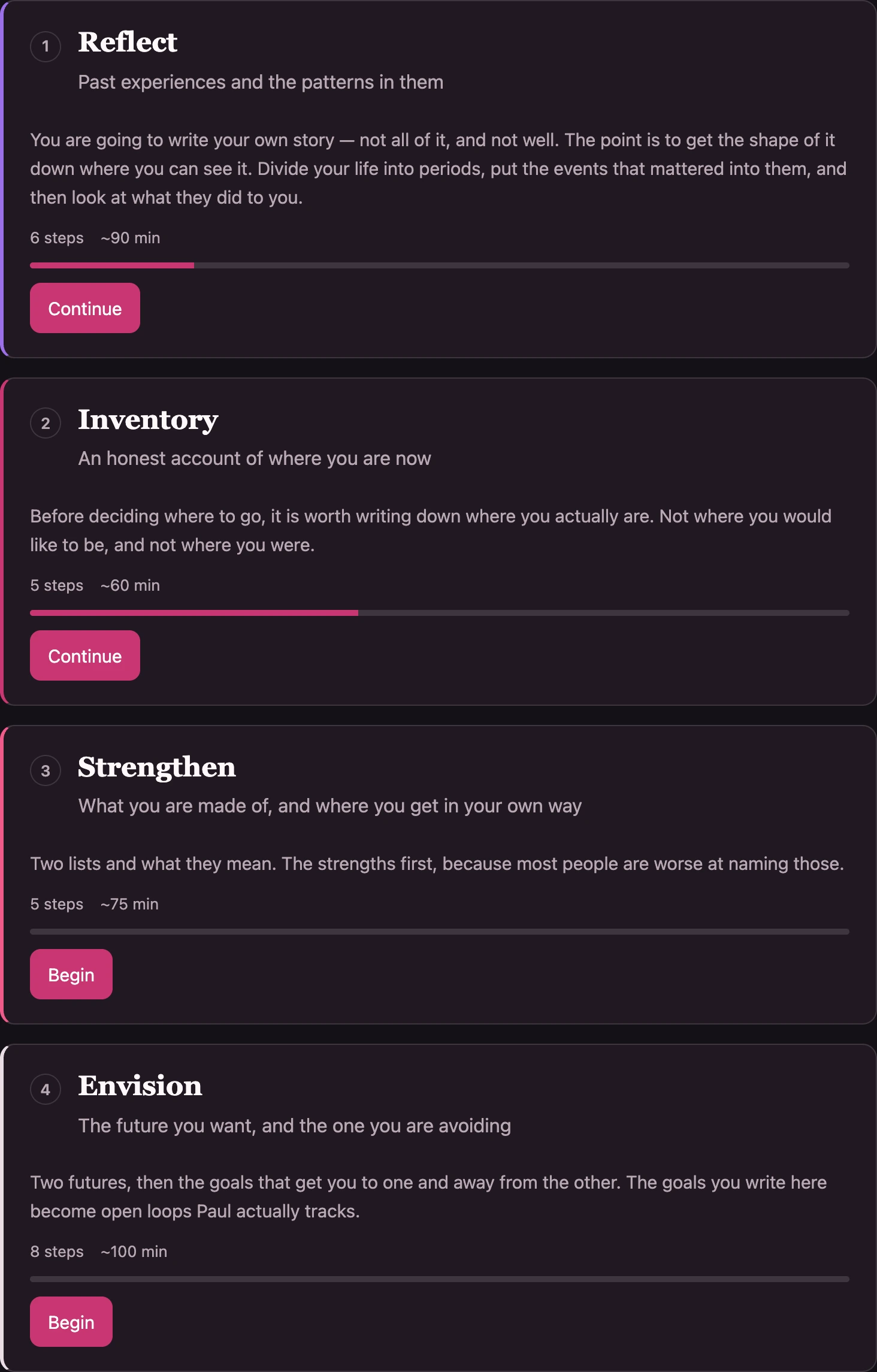
Real screens from the web version.
These are captures of Quiet Window as it runs on the web today, not mock-ups of the phone app.
Local-first, when it's native.
The native app is designed local-first: built around your own device rather than a hosted account. We will describe exactly how when it ships.
Quiet Window on the web is a hosted, account-based service: you sign in, and your data is stored with your account. The native iOS and Android app is designed local-first.
Status
Planned. Not yet in any app store.
When a native app for iOS and Android exists, this page will say so. Until then, the web version is the way in, on any phone.